Where the business email appear and how to change it?
Updated:
- You can check the business email by clicking on the bottom-left profile on the dashboard and click Edit Profile.
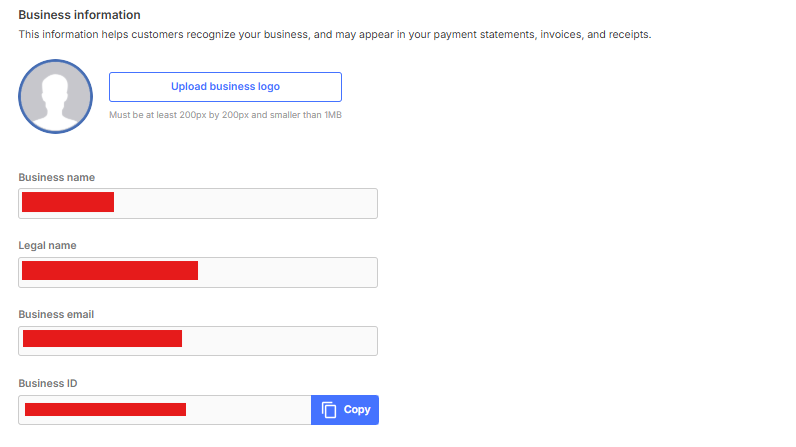
- Business email will have several functions, such as:
- Email to be sent for monthly billing statement
-
Email to be sent for receiving Invoice paid/expired notifications
- Appear on disbursement receipt for your customer
- If you want to change it then you need to create a request to us. Our agent will conduct a verification so you need to submit several data
- You can send your request to our merchant support at help@xendit.co.